Cannot connect to network (LAN)

Hi All,
I'm trying to get help on this issue, but I haven't received a response from support yet. So, I decided to share here, in case someone else has faced the same problem.
I've purchased the TESmart 8X1 HDMI KVM Switch 8 Port 4K and USB 2.0, and I'm trying to connect it to my LAN to remote control via network protocol.
I was able to connect to the KVM using the Windows Utility (8x1-HDMI-KVM-Control-panel .rar) and change the IP of the KVM to match my LAN CIDR.
It turns out that I can only ping and access the KVM when it is connected directly to my Laptop, via an Ethernet cable.
However, when I connect it directly to my switch (LAN), I cannot access or ping it.
It's not even showing any link on my switch (no lights when connected to the port).
Does anyone have any clue?
Regards
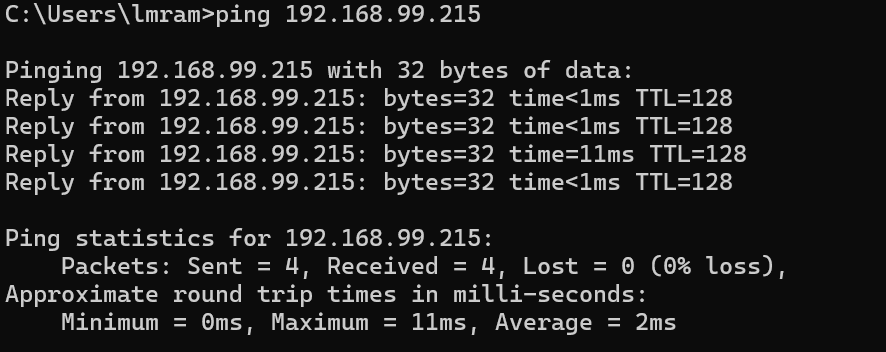
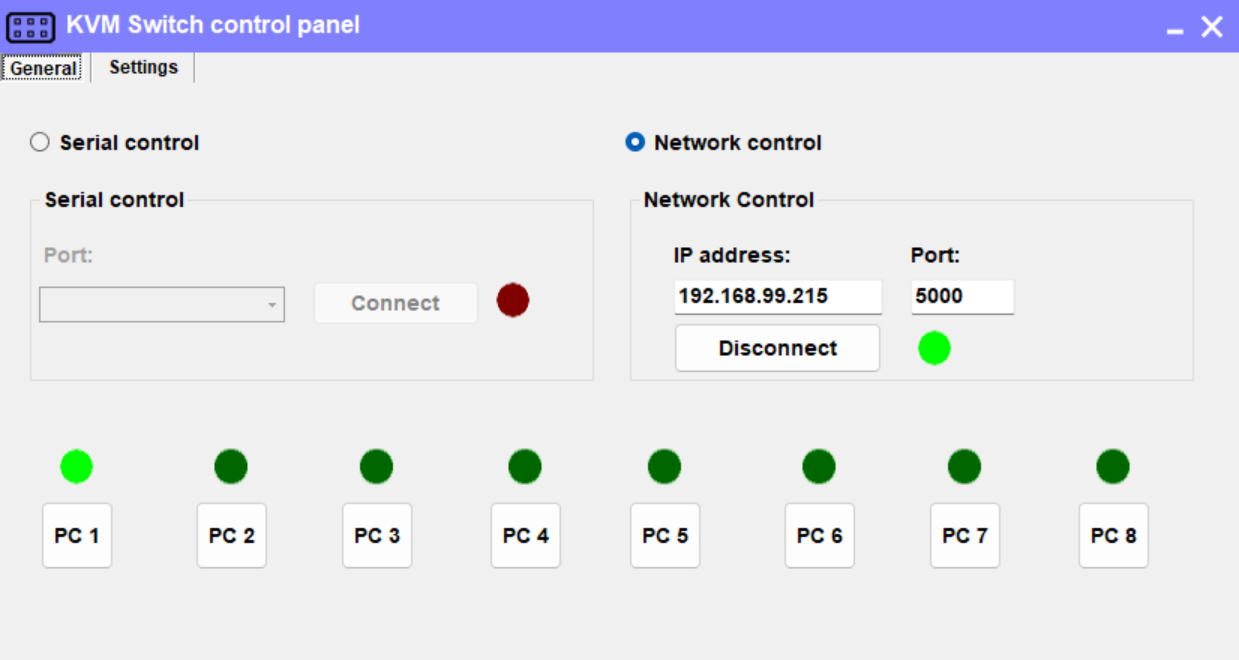
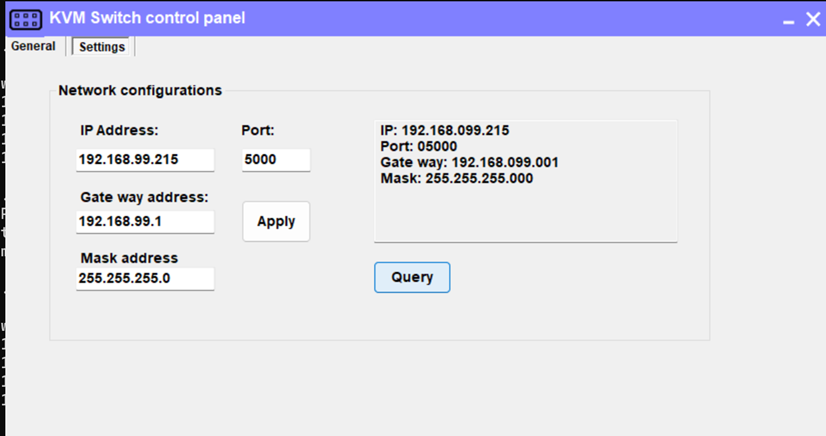
-
正式なコメント

Dear Mauricio Ramos,
Thank you for your message.
Regarding the HKS801-EB23 KVM not being able to connect when using the Ubiquiti Cloud Gateway MAX switch, and only working after manually forcing the port speed to 10 Mbps, the reason is as follows:
The LAN port of the KVM is designed with a 10 Mbps rate, as it is primarily intended for control functions. The amount of control command data is small, high-speed internet is usually not required.
Typically, laptops have better compatibility across different LAN port speeds. However, some enterprise-grade switches, such as the Ubiquiti Cloud Gateway MAX, are optimized for higher performance and may not support 10 Mbps by default, which leads to the connection issue you experienced.
We hope this clarifies the situation and thank you again for your efforts. Please feel free to reach out to us if you have any further questions.
Best regards,
-
- I believe that I figured out. My switch (Ubiquity Cloud Gateway MAX) doesn't accept 10 Mbps devices, and it seems this KVM uses a 10 Mbps port.
0 -
Update: It is working now.
I forced the port to auto-negotiate on 10M, and it started to work!0 -
Hi Support Team,
Thank you for getting back to me.
It took me a while to figure out that the KVM is using a 10 Mbps port, but now it makes sense.
Thanks again for your assistance - much appreciated.0 -
Dear Mauricio Ramos,
Thank you for taking the time to follow up. I'm pleased to hear that the KVM port speed clarification was helpful. Please feel free to reach out if you require any further assistance in the future.
We value your partnership and look forward to continuing to support you.
Best regards,
0
サインインしてコメントを残してください。
コメント
5件のコメント